WebUI remote control
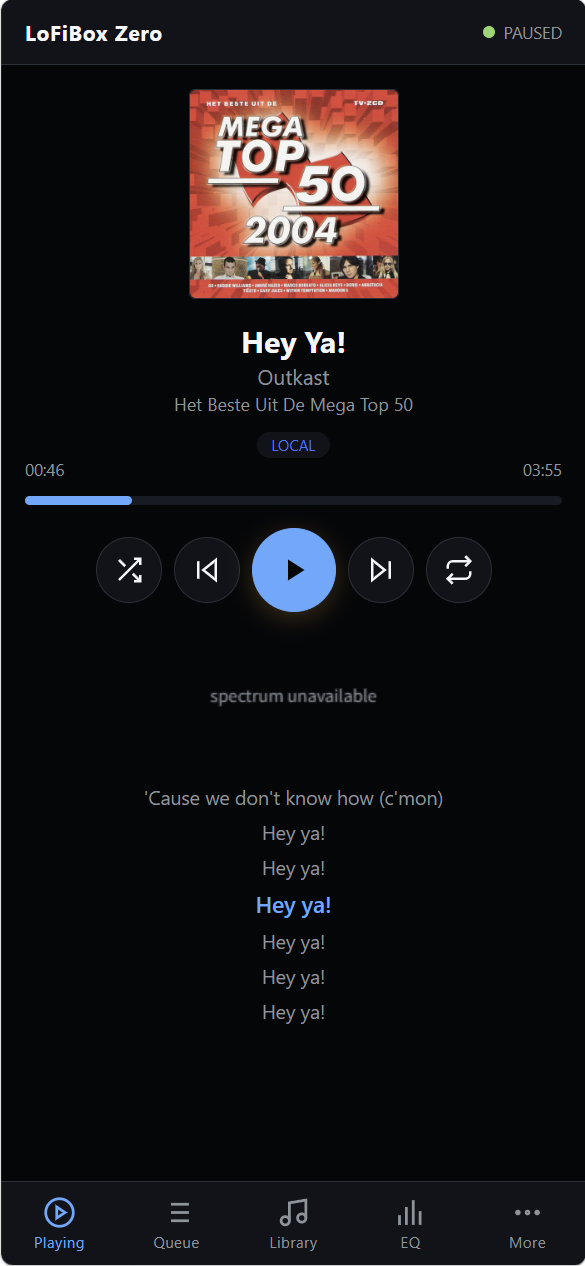
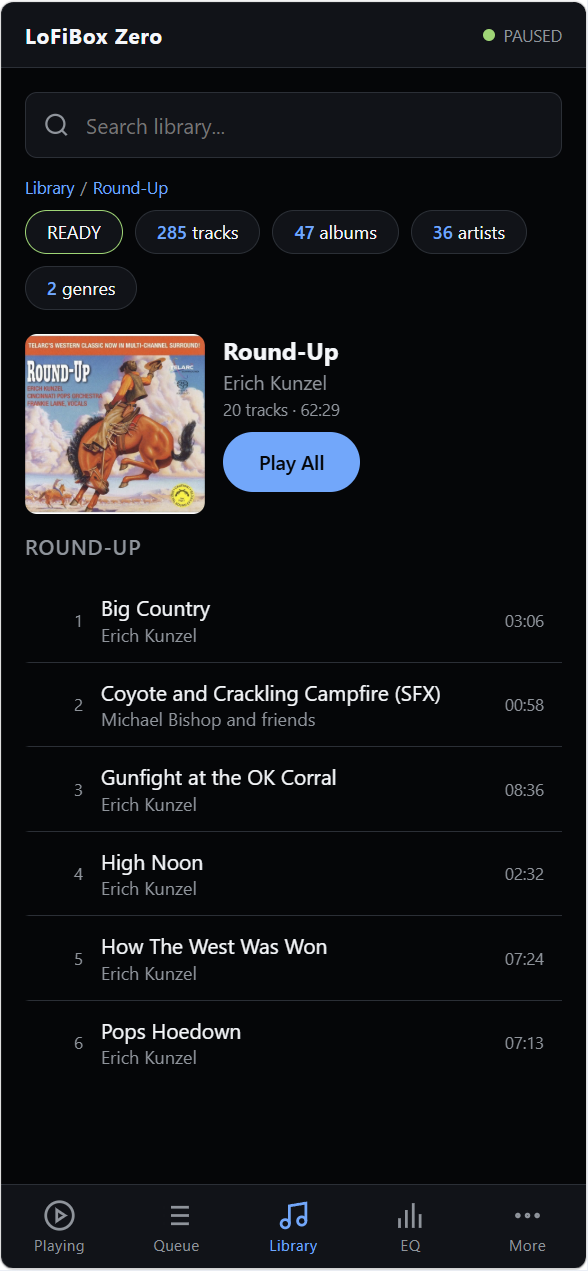
Start LoFiBox with --webui to control Now Playing, Queue, Library, Sources, EQ, Settings, and Diagnostics from a browser.
It uses HTTP plus WebSocket live updates, with polling fallback.
Linux-first music player
A music player for Cardputer Zero, Raspberry Pi, Linux desktops, SSH terminals, and remote media libraries. WebUI, GUI, TUI, CLI, and future Agent interfaces all sit on the same runtime.
Preview APT Repository
GitHub Pages carries two separate surfaces: the root directory is the public website,
while /debian is the machine-readable APT repository. Keeping them separate protects the install path from website content.
sudo install -d -m 0755 /etc/apt/keyrings
curl -fsSL https://vicliu624.github.io/lofibox-apt/lofibox-archive-keyring.pgp \
  | sudo tee /etc/apt/keyrings/lofibox-archive-keyring.pgp >/dev/null

sudo tee /etc/apt/sources.list.d/lofibox.sources >/dev/null <<'EOF'
Types: deb
URIs: https://vicliu624.github.io/lofibox-apt/debian
Suites: trixie
Components: main
Architectures: amd64 arm64
Signed-By: /etc/apt/keyrings/lofibox-archive-keyring.pgp
EOF

sudo apt update
sudo apt install lofibox~lofibox<run> suffix; after the stable Debian flow is ready, this repository remains a preview channel.
New in 0.2.0
The 0.2.0 preview packages publish the new WebUI surface and the built-in Remix plugin. WebUI gives another runtime projection in the browser; Remix adds realtime Radio, Tape, and Vinyl sound-color effects.
Start LoFiBox with --webui to control Now Playing, Queue, Library, Sources, EQ, Settings, and Diagnostics from a browser.
It uses HTTP plus WebSocket live updates, with polling fallback.
Cycle OFF, Radio, Tape, and Vinyl without restarting playback.
GUI, TUI, and WebUI use R; CLI users can run lofibox remix.
Open Source
The website and APT repository live here, but the application source of truth is vicliu624/LoFiBox-Zero. Use the source repository for code, issues, releases, CI status, and contribution history.
C++ runtime, GUI, TUI, CLI, packaging metadata, tests, and product specifications.
Report playback, metadata, lyrics, remote source, TUI, CLI, and packaging problems.
Track build, test, Debian packaging, lintian, and autopkgtest results for the application repository.
Interfaces
WebUI serves browsers and phones, GUI serves small screens and desktop windows, TUI serves native terminal control, and CLI serves one-shot commands, scripts, systemd, tests, and Agents. They share one runtime.
Browser-based remote control for playback, queue, library, sources, EQ, settings, diagnostics, and Remix state.
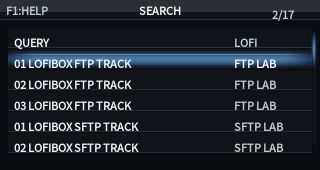
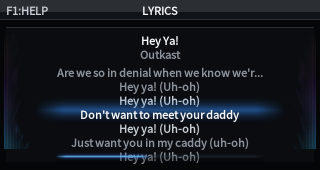
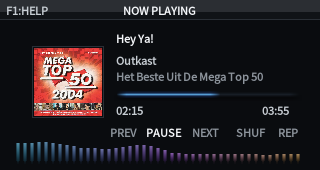
Designed for 320x170 screens, X11 desktop windows, and device front panels. Covers the main menu, library, search, Now Playing, lyrics, and EQ.
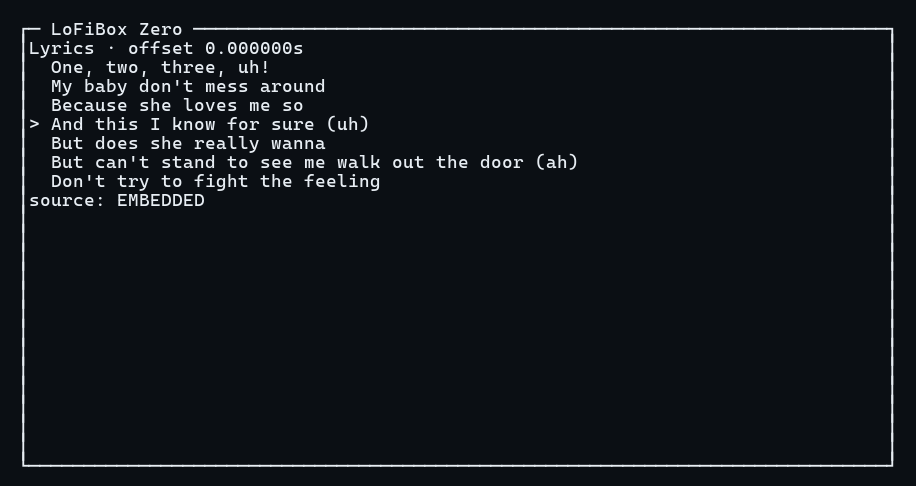
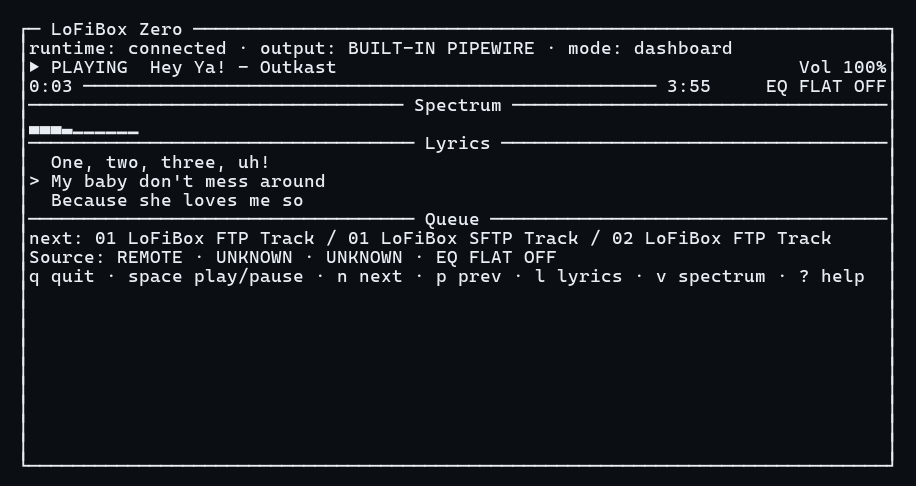
A terminal console for Now Playing, Lyrics, Spectrum, Queue, and EQ. Built for SSH, servers, and developer workflows.
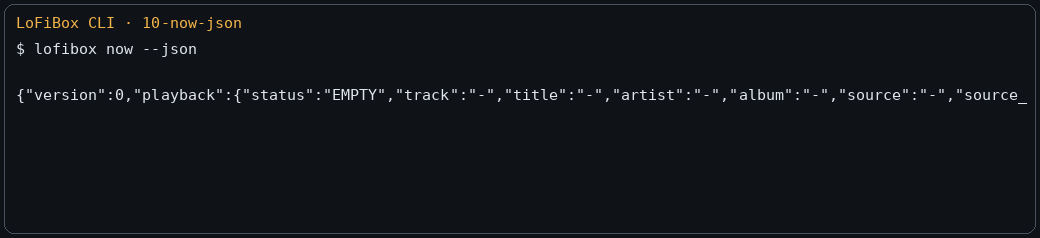
A command surface for people and machines. Human-readable by default, with --json and --porcelain for scripts and Agents.
Core Domains
LoFiBox is a local-file player that brings the local media library, remote sources, metadata governance, lyrics, artwork, fingerprints, cache, and EQ into one product object model.
Scan media roots, inspect index status, query tracks, albums, artists, and genres, search consistently, and manage queues. CLI and GUI search use the same media item semantics.
Remote media is split into a source configuration layer and a remote browsing/resolution layer.
Supported targets include Jellyfin, Emby, Navidrome/OpenSubsonic, Direct URL, Internet Radio, Playlist Manifest,
HLS/DASH, SMB/NFS/WebDAV/FTP/SFTP, and DLNA/UPnP.
LoFiBox separates lookup, diff, apply, cache, writeback, and fingerprint indexing so auto-completion never silently becomes file mutation.
Supports 10-band graphic EQ, presets, preamp, ReplayGain, loudness, limiter, balance, HPF/LPF, bindings by device, content, or source, and plugin-backed Remix effects for Radio, Tape, and Vinyl color.
Screens
GUI, TUI, and CLI share one runtime, so desktop windows, terminal consoles, and script output agree on playback state and library meaning.