WebUI
Browser Remote Control
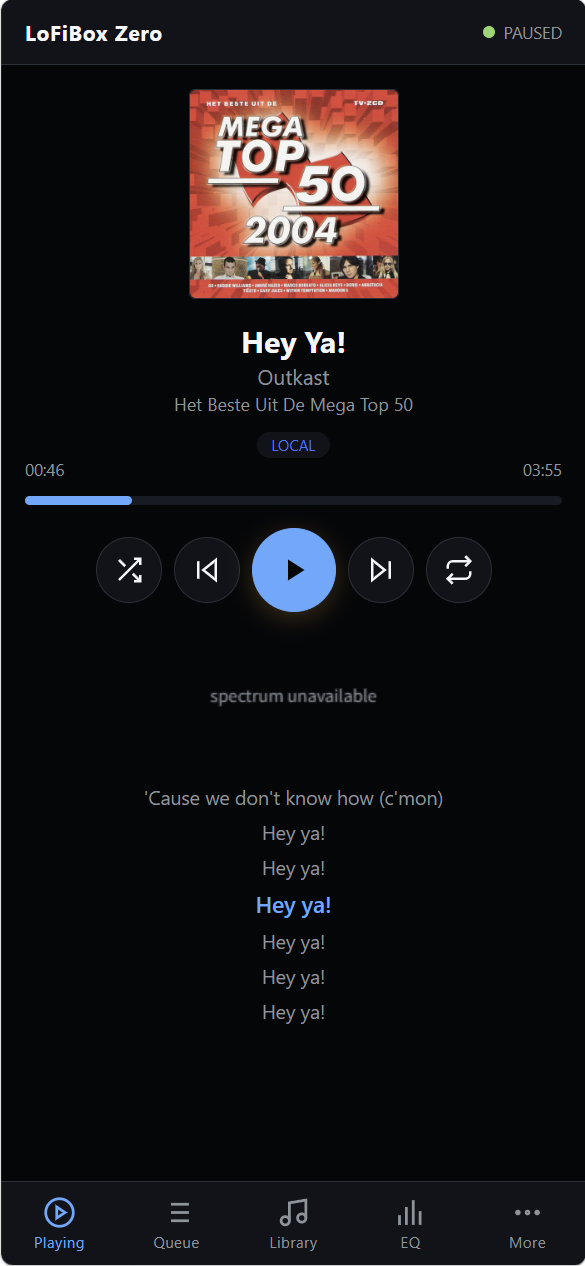
WebUI is the browser projection of the same LoFiBox runtime used by GUI, TUI, and CLI. It is built into the 0.2.0 preview packages and provides Now Playing, Queue, Library, Sources, EQ, Settings, and Diagnostics without a frontend build step.
Start WebUI
lofibox --webui
lofibox --webui --webui-bind 127.0.0.1 --webui-port 8765

LOFIBOX_WEBUI=1 \
LOFIBOX_WEBUI_BIND=127.0.0.1 \
LOFIBOX_WEBUI_PORT=8765 \
lofibox
The default port is 8765. Use a loopback bind address for local control, or bind to a LAN address only on a trusted network.
The WebUI dispatches controlled runtime commands; it does not expose raw credentials.
Runtime Transport
The browser loads a single static app from the embedded asset server.
Runtime updates arrive through /api/runtime/events WebSocket frames, with /api/runtime/snapshot polling fallback.
Mutations are sent through POST /api/runtime/commands, so playback, queue, EQ, and Remix changes follow the same command bus as other interfaces.
Pages
| Page | Purpose |
|---|---|
| Now Playing | Playback status, progress, spectrum, transport controls, source label, and Remix badge. |
| Queue | Inspect and control the active runtime queue. |
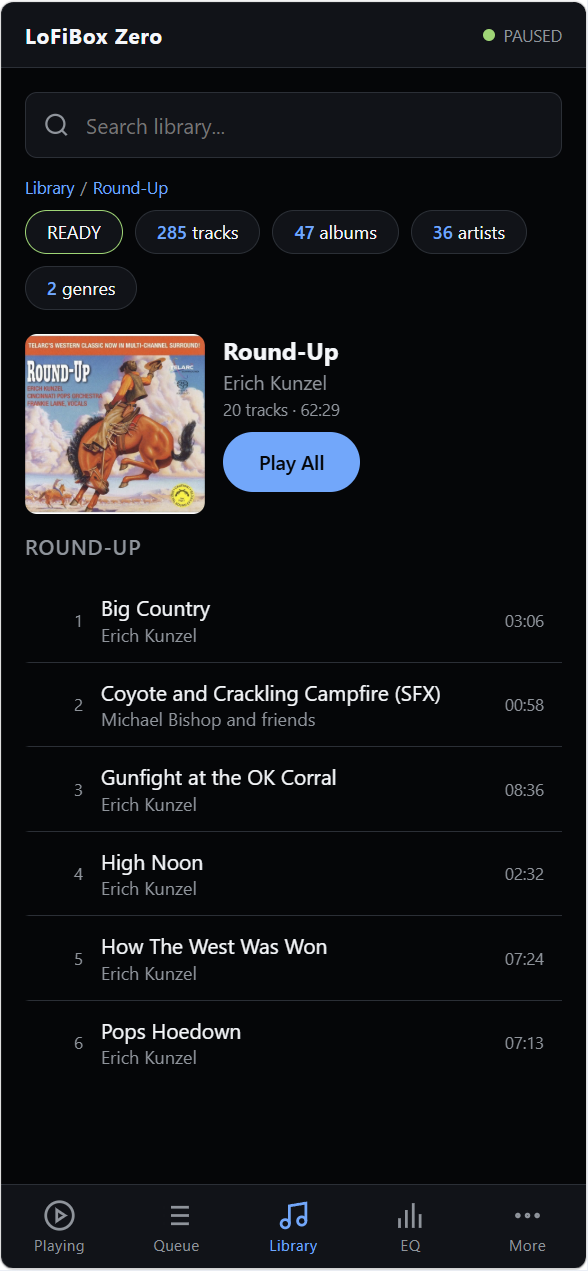
| Library | Browse library projections and queue playable items. |
| Sources | Read remote source state and connection information. |
| EQ | Control 10-band EQ and preset state. |
| Settings | View runtime settings and cycle the active Remix effect. |
| Diagnostics | Inspect runtime health and transport state. |
Keyboard Shortcuts
| Key | Action |
|---|---|
| Space | Toggle play / pause. |
| ArrowLeft | Previous track. |
| ArrowRight | Next track. |
| R / r | Cycle the built-in Remix effect: OFF, Radio, Tape, Vinyl. |
-DLOFIBOX_BUILD_WEBUI=ON, so 0.2.0 preview packages include this surface.